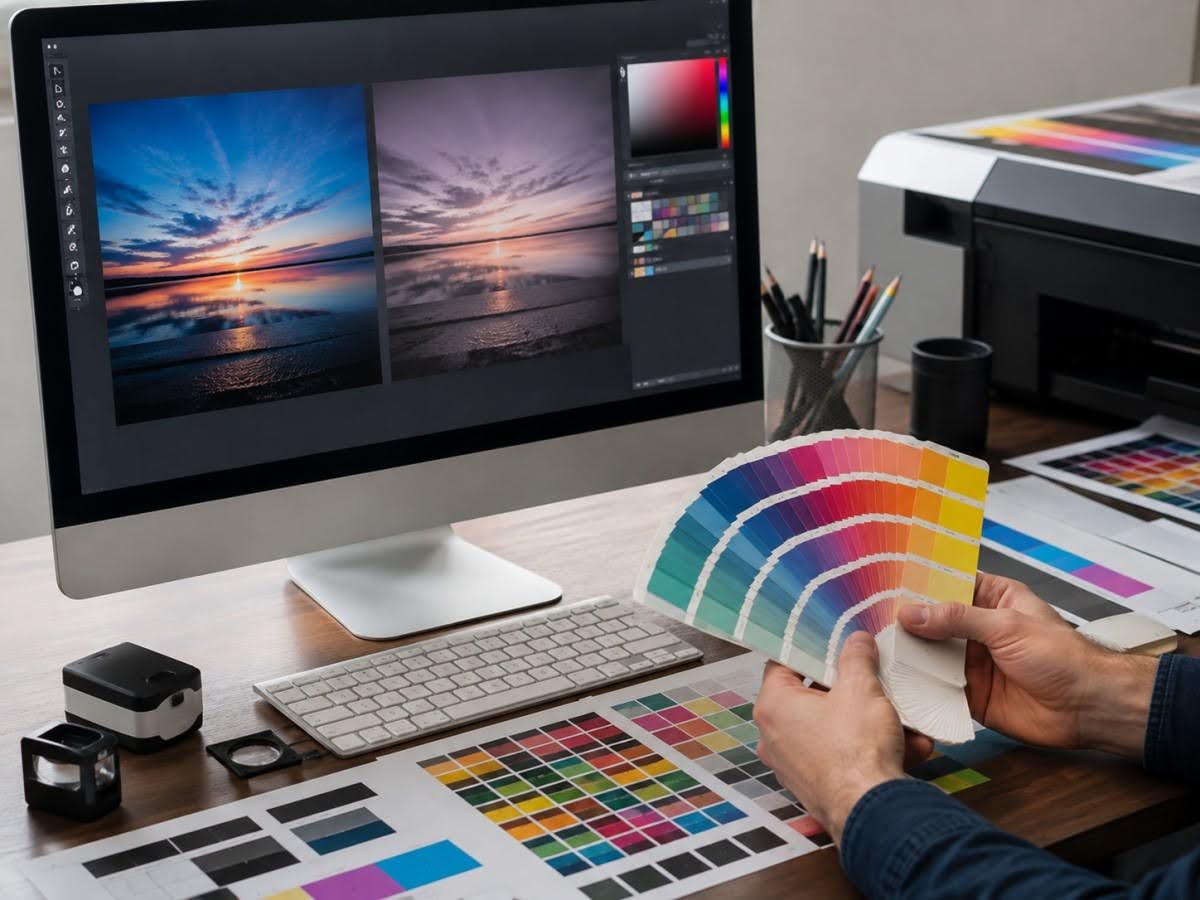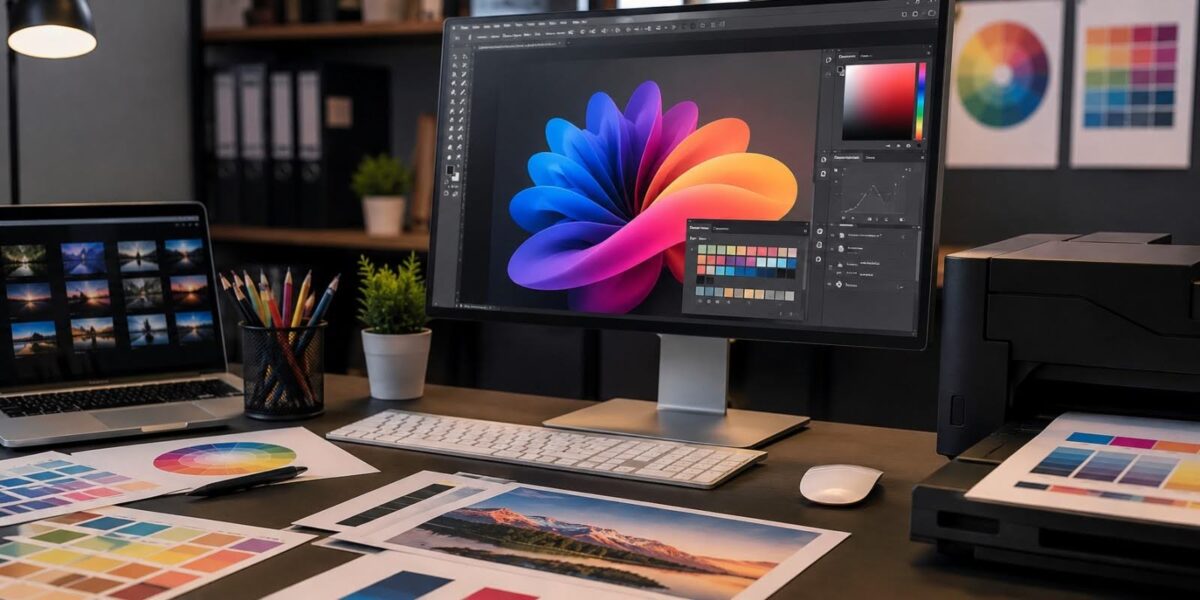
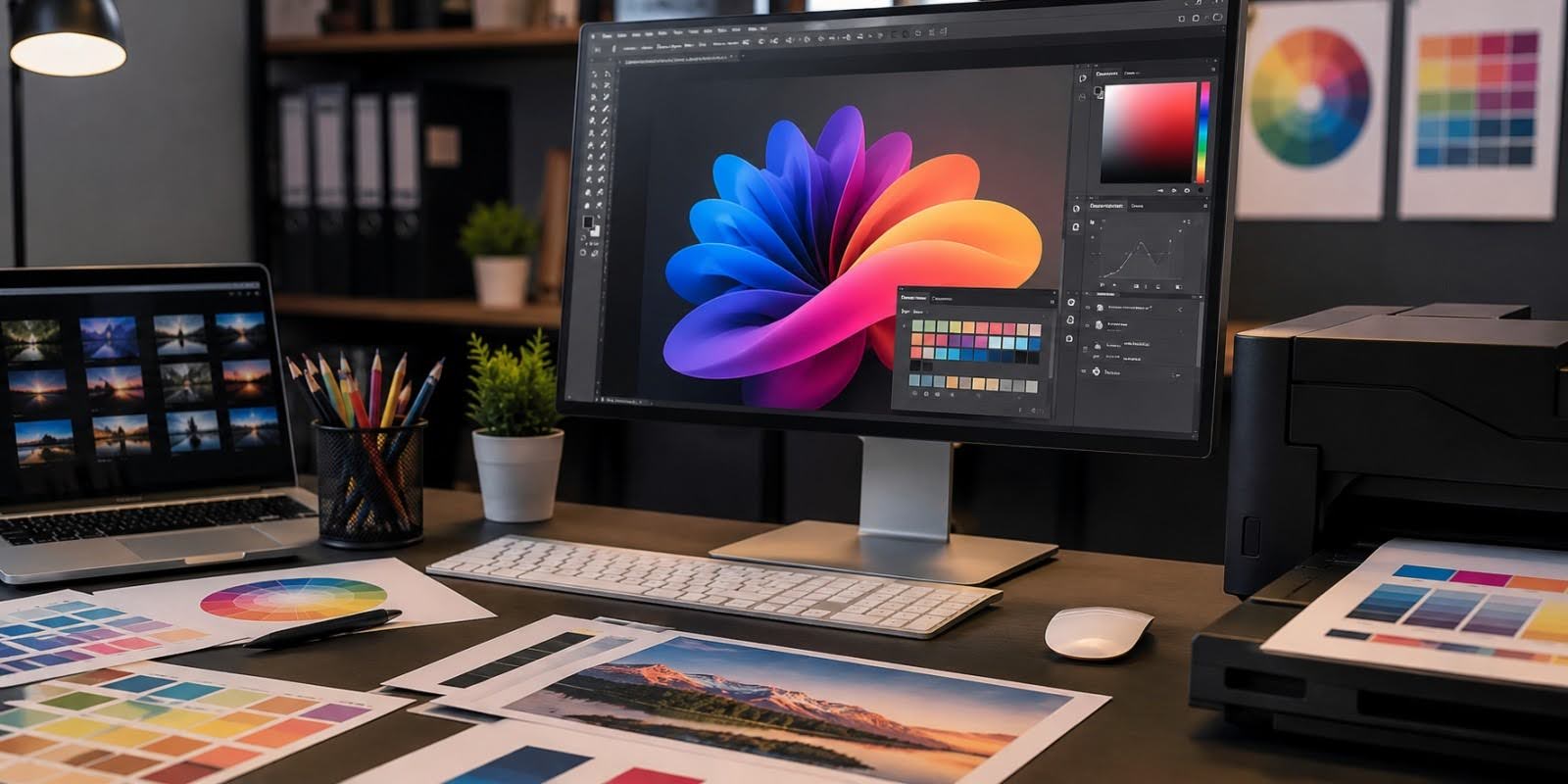
Sending artwork to a commercial printer involves more than choosing a design that looks correct on screen. The file format used to create, save and deliver that artwork can influence how reliably fonts, images, colours, dimensions and other production elements move through the printing workflow.
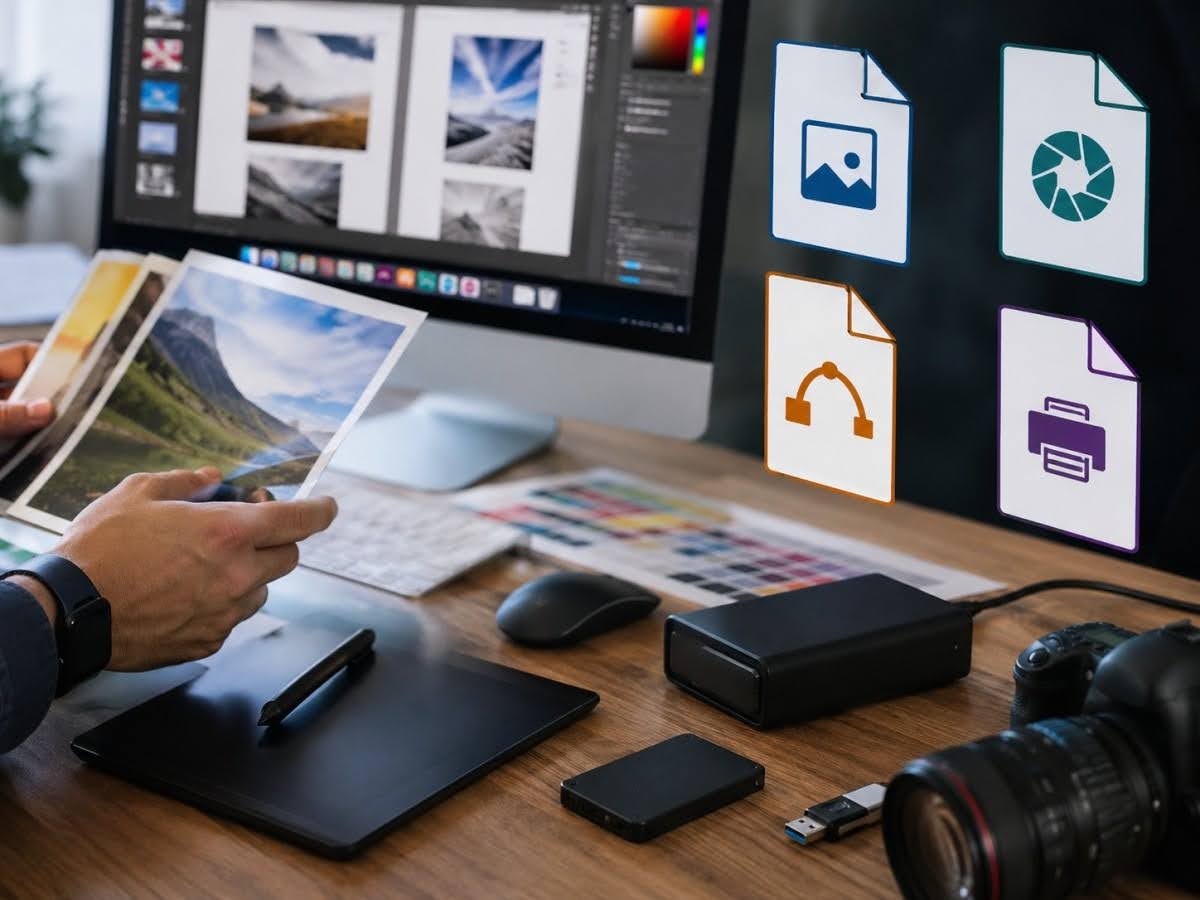
PDF is widely used for print-ready files, while AI and EPS remain useful for editable vector artwork and production graphics. SVG is valuable for scalable vector graphics, although its role in a commercial printing workflow depends on the software and printer requirements. Raster formats such as TIFF, JPEG and PNG also have important uses, particularly for photographs and other pixel-based imagery.
The important point is that there is no single printing file format that is automatically best for every purpose.
Understanding the differences helps businesses communicate more effectively with their printing company and reduces the risk of production delays caused by missing fonts, low-resolution graphics, incorrect dimensions or incompatible files.
Why File Formats Matter
A file format determines how digital information is stored and interpreted by software.
For commercial printing, that information may include:
- Text
- Fonts
- Images
- Vector graphics
- Colours
- Transparency
- Page dimensions
- Bleed
- Dielines
- Finishing elements
If the wrong format or export settings are used, information may be lost, altered or reproduced incorrectly.
A File That Opens Is Not Necessarily Print-Ready
One of the most important distinctions businesses should understand is the difference between a file that can be viewed and a file that is suitable for professional production.
For example, a PDF may open perfectly on a computer while still containing:
- Low-resolution images
- RGB artwork requiring conversion
- Missing bleed
- Incorrect dimensions
- Unsuitable fonts
- Improperly prepared dielines
Likewise, a JPEG can display a design correctly but may not be the ideal production format for artwork containing small text and vector logos.
The extension alone does not determine print quality.
File Formats Affect Editability
Some formats are better suited to ongoing design work.
AI files, for example, can preserve editable vector elements when used in compatible software.
A print-ready PDF, on the other hand, is often intended as a more finalised production file.
Businesses should therefore consider keeping both:
Editable source files + final print-ready files
This makes future revisions easier without compromising the production version.
File Formats Affect Scalability
A logo may need to appear on a small product label today and a large exhibition display later.
If the original logo exists only as a small raster image, enlarging it can result in visible pixelation.
A vector version can generally scale much more effectively.
This is one reason businesses should maintain proper master artwork files rather than relying on graphics copied from websites or screenshots.
Vector vs Raster
Understanding the difference between vector graphics and raster images is fundamental when comparing printing file formats.
What Are Vector Graphics?
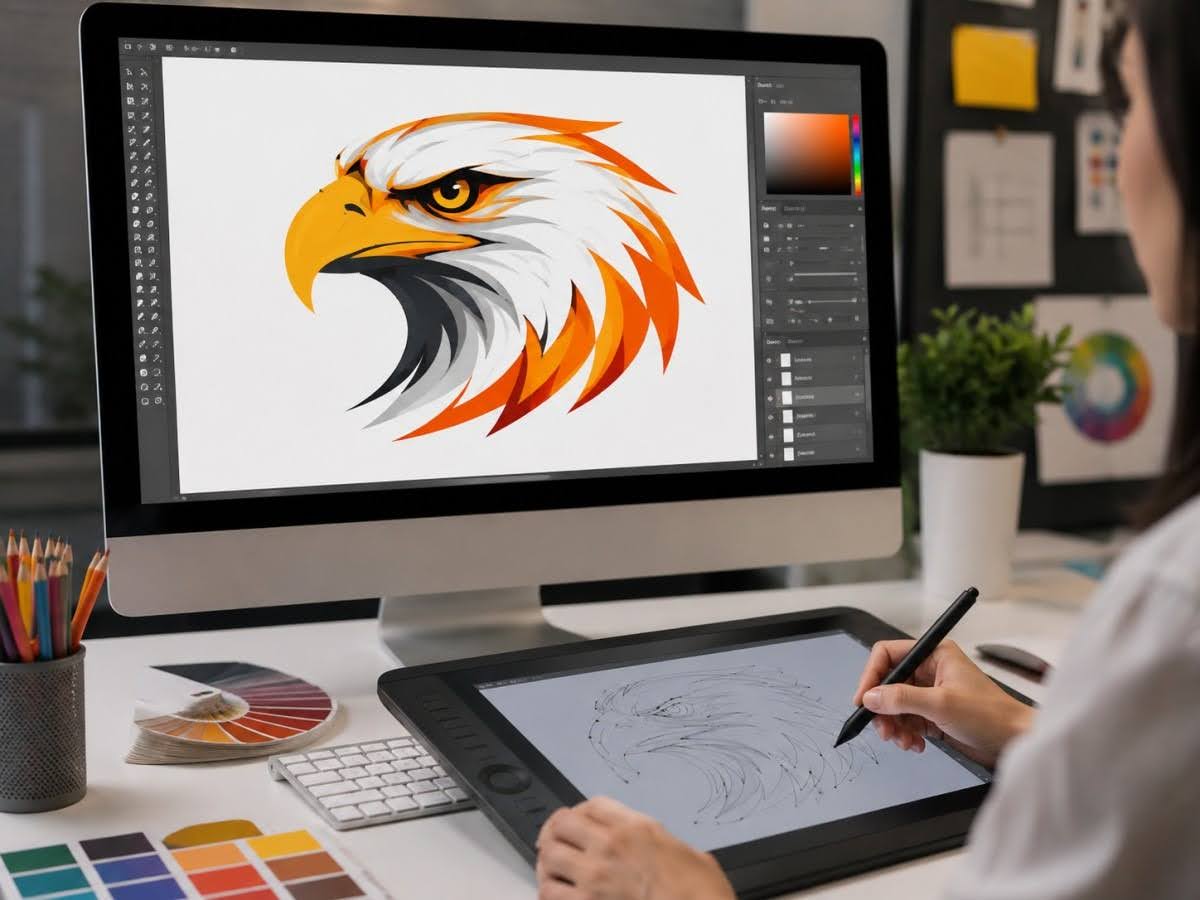
Vector graphics are created using mathematically defined paths, lines, curves and shapes.
Because they are not based on a fixed grid of pixels, they can generally be enlarged or reduced without the same loss of sharpness associated with raster images.
Vector graphics are particularly suitable for:
- Logos
- Icons
- Line illustrations
- Typography
- Dielines
- Simple graphics
Common formats associated with vector artwork include:
- AI
- EPS
- SVG
- Vector-based PDF
Why Vector Graphics Matter for Printing
Consider a company logo.
The same logo may need to appear on:
- A 50 mm product label
- A business card
- A brochure
- Packaging
- A poster
With appropriate vector artwork, the logo can be resized while maintaining clean edges.
A small JPEG version of the same logo may look acceptable on a website but become visibly pixelated when enlarged for print.
What Are Raster Images?
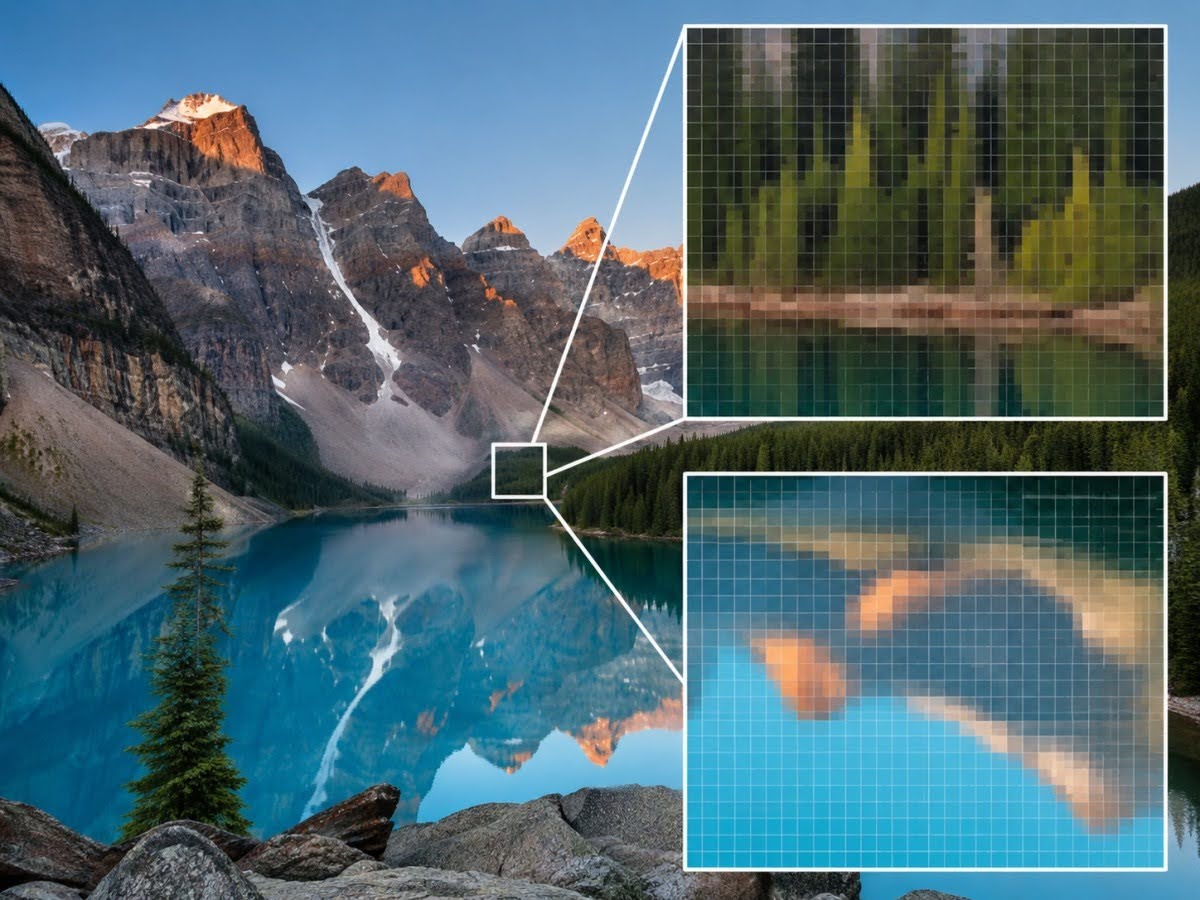
Raster images are made from individual pixels.
Common raster formats include:
- JPEG
- TIFF
- PNG
Photographs are naturally suited to raster formats because they contain complex variations in colour and tone.
However, raster files have finite pixel dimensions.
When enlarged beyond an appropriate size, individual pixels become more visible, and the image can lose sharpness.
Resolution Matters for Raster Images
For many conventional commercial printing applications, approximately 300 PPI at the final printed size is a commonly used target for photographic images.
However, this is not a universal requirement.
The appropriate effective resolution depends on:
- Printing technology
- Final size
- Viewing distance
- Image type
- Printer specifications
Large-format graphics viewed from several metres away may have different requirements from photographs printed in a premium catalogue.
Vector vs Raster at a Glance
| Factor | Vector | Raster |
| Built from | Mathematical paths | Pixels |
| Scaling | Highly scalable | Resolution-dependent |
| Best suited to | Logos, icons, line graphics | Photos, detailed imagery |
| Common formats | AI, EPS, SVG, PDF | TIFF, JPEG, PNG |
| Large enlargement | Usually remains sharp | Can become pixelated |
| Resolution dependent | Generally no | Yes |
Many professional designs contain both vector and raster elements.
A brochure, for example, may combine vector logos and typography with high-resolution raster photography.
Common Print Formats
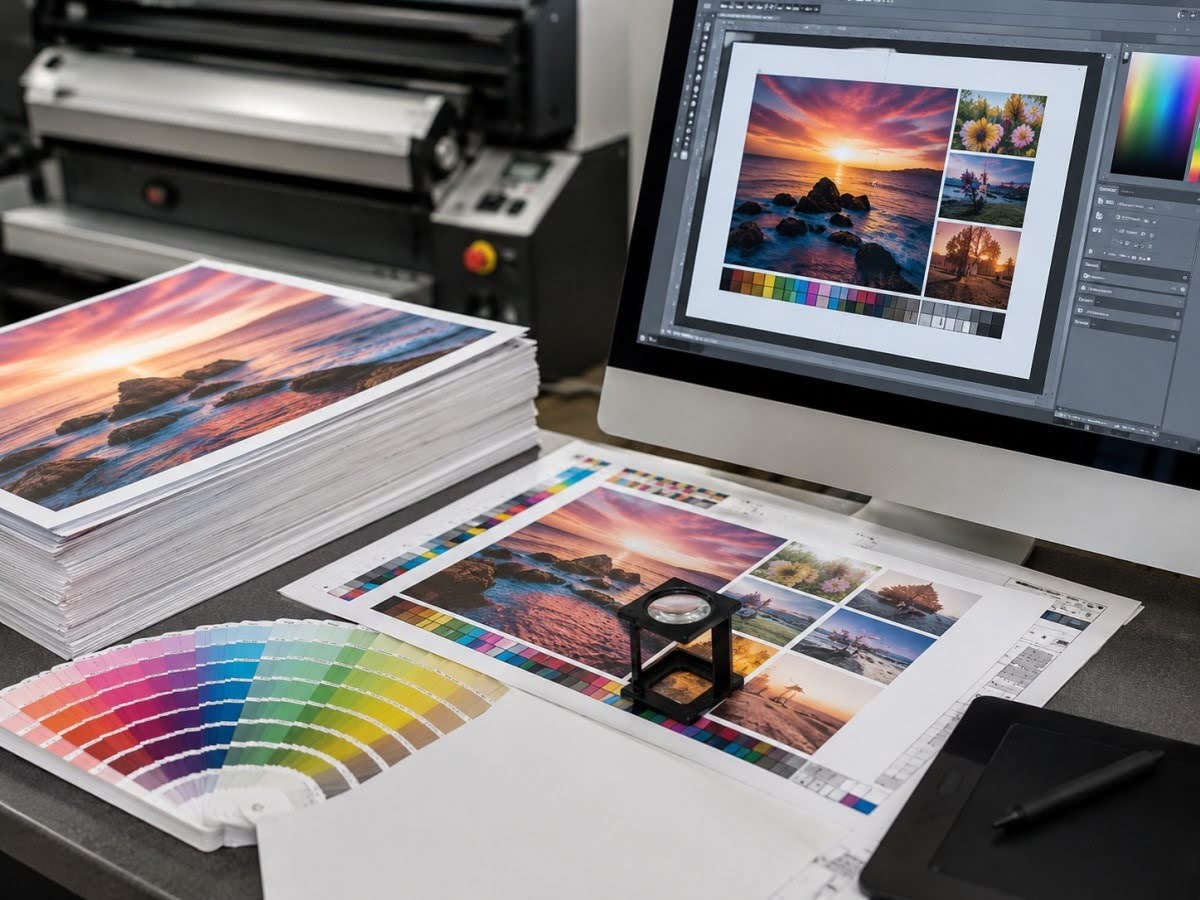
Different file formats play different roles during artwork preparation and commercial printing.
PDF is one of the most widely used formats for supplying print-ready artwork.
A properly prepared PDF can preserve:
- Page size
- Vector graphics
- Images
- Fonts
- Colour information
- Bleed
- Multiple pages
This makes PDF particularly useful for final production files.
Applications can include:
- Brochures
- Flyers
- Business cards
- Catalogues
- Labels
- Packaging artwork
However, simply exporting a file as PDF does not make it print-ready.
The export settings and source artwork still matter.
A PDF containing a low-resolution photograph will not magically improve that image.
Adobe Illustrator Files
Adobe Illustrator is commonly used for vector-based design and artwork development.
For example:
- Logos
- Labels
- Packaging
- Illustrations
- Dielines
- Custom-shaped artwork
Because elements can remain editable, AI files can be valuable when a printer or designer needs to make production-related adjustments.
However, editable files can depend on linked images, fonts and software compatibility.
If AI files are supplied, all required assets should be handled according to the printing company’s specifications.
EPS
EPS has long been used as a format for exchanging vector artwork.
It is commonly associated with:
- Logos
- Illustrations
- Line graphics
- Print production assets
EPS files can preserve scalable vector information, making them useful for graphics that need to be reproduced at different sizes.
However, modern workflows often use PDF or native design files instead, depending on the printer and software involved.
Businesses should not assume that EPS is automatically required simply because it has traditionally been associated with professional printing.
SVG
SVG stands for Scalable Vector Graphics.
As the name suggests, SVG is a vector format.
It is widely used for digital applications such as:
- Websites
- Icons
- Logos
- Interface graphics
SVG can preserve scalable vector artwork and may therefore be useful as a master or exchange format for certain graphics.
However, SVG is not necessarily the preferred final commercial printing format for every printing company.
Compatibility, colour handling and production workflow should be confirmed before submitting SVG files as final print-ready artwork.
A practical approach is to retain SVG versions where useful but supply the final artwork in the format requested by the printer.
TIFF
TIFF is a raster image format commonly associated with high-quality image production.
It can be suitable for:
- Photography
- Scanned artwork
- High-resolution raster graphics
TIFF can retain substantial image information and is commonly used where image quality is important.
However, TIFF files can be relatively large, and they remain resolution-dependent.
A TIFF file should therefore still be checked at its final intended print size.
JPEG
JPEG is one of the most familiar image formats.
It is widely used for:
- Photography
- Website images
- Digital marketing
- General image sharing
JPEG can also be used within professional printing workflows when the file has suitable dimensions and quality.
Its main limitation is lossy compression.
Repeated editing and saving can reduce image quality, and small JPEGs downloaded from websites may not contain enough resolution for larger print applications.
PNG
PNG is commonly used for digital graphics and supports transparent backgrounds.
This makes it popular for:
- Web graphics
- Logos in digital documents
- Social media artwork
- Interface graphics
However, PNG is generally associated more strongly with screen-based workflows than final commercial print production.
Businesses with a PNG logo should ideally retain or obtain a proper vector master version as well.
PSD
PSD is the native Adobe Photoshop format.
It can preserve:
- Layers
- Masks
- Text
- Effects
- Image adjustments
PSD files can be useful during image editing and artwork development.
However, they are not always the preferred format for final print submission.
A completed design may eventually be exported into a print-ready PDF or incorporated into another layout application.
INDD
Adobe InDesign files are commonly used for multi-page layouts such as:
- Catalogues
- Brochures
- Reports
- Books
An InDesign document may rely on external:
- Images
- Fonts
- Graphics
If editable files are being transferred, these assets may need to be packaged with the document.
For final commercial printing, an appropriately exported PDF is commonly used instead.
Best Practices
Choosing the right format is only one part of creating reliable print-ready files.
Ask the Printer What They Require
The most reliable rule is simple:
Do not guess the preferred production format.
A printing company may specify:
- PDF standard
- Bleed requirements
- Colour mode
- Resolution
- Dieline setup
- Font handling
- Finishing layers
These requirements can vary according to the job and production equipment.
Keep Original Source Files
Businesses should retain editable source files even after final PDFs have been approved.
This makes future changes easier.
For example, if a brochure later requires a new:
- Telephone number
- Price
- Product image
- QR code
Having the original editable artwork can reduce the need to rebuild the design.
Maintain Vector Versions of Logos
Every business should ideally maintain master logo files in appropriate vector formats.
This prevents employees or suppliers from relying on:
- Screenshots
- Website images
- Small JPEGs
for professional printing.
Use High-Resolution Original Images
Where raster images are required, retain the original high-resolution versions.
Images sent through messaging applications or downloaded from websites may have been compressed.
The image that looks acceptable on a phone may not be appropriate for a large brochure.
Avoid Unnecessary Format Conversions
Repeatedly converting files can introduce problems.
For example:
AI → JPEG → PNG → PDF
is generally a poor workflow for vector artwork because the vector information may be lost when converted into a raster format.
Keep the highest-quality source artwork and create required output formats from that master.
Use Clear File Naming
File naming becomes increasingly important when multiple revisions exist.
Instead of:
brochure-final-new-final2.pdf
use a structured system such as:
Company_Brochure_A4_v05_2026-08-20.pdf
A clear naming convention reduces the risk of an outdated version being printed.
Archive Approved Production Files
Once artwork has been approved and successfully printed, archive:
- Final production PDF
- Editable source file
- Linked images
- Fonts where licensing permits
- Dielines
- Relevant specifications
This creates a reliable reference for repeat printing.
File Preparation Tips
Even the correct file format can fail if the artwork itself is not properly prepared.
Confirm Final Dimensions
Make sure the document dimensions match the finished product.
Do not assume the printing company will automatically resize artwork without affecting the design.
Incorrect scaling can change:
- Text size
- Image resolution
- Bleed
- Dielines
- Barcode dimensions
Include the Required Bleed
Artwork intended to extend to the edge of the printed piece should continue beyond the trim line according to the printer’s required bleed.
This helps prevent unintended white edges after trimming.
Keep Important Content Within Safe Margins
Text, logos, barcodes and other important information should not sit directly against trim lines.
Maintain the safe area specified by the printer.
Check the Colour Mode
RGB is primarily associated with screens, while CMYK is widely used in commercial printing.
However, the appropriate colour profile should be confirmed with the printer.
Avoid converting colours using arbitrary settings immediately before submission.
Check Raster Image Resolution
Review images at their actual intended print size.
Do not rely only on the image’s original pixel dimensions.
If an image has been substantially enlarged inside the design, its effective resolution may no longer be sufficient.
Handle Fonts Correctly
Fonts can cause problems if they are unavailable when files are opened on another system.
Depending on the workflow, the printer may request that fonts are:
- Embedded
- Packaged
- Outlined where appropriate
Always follow the provider’s specifications.
Prepare Dielines Separately
Labels and packaging may require dielines indicating:
- Cut paths
- Folds
- Creases
- Perforations
These should be clearly separated from the visible artwork according to the production requirements.
Do not flatten important production information into the design without confirming the required setup.
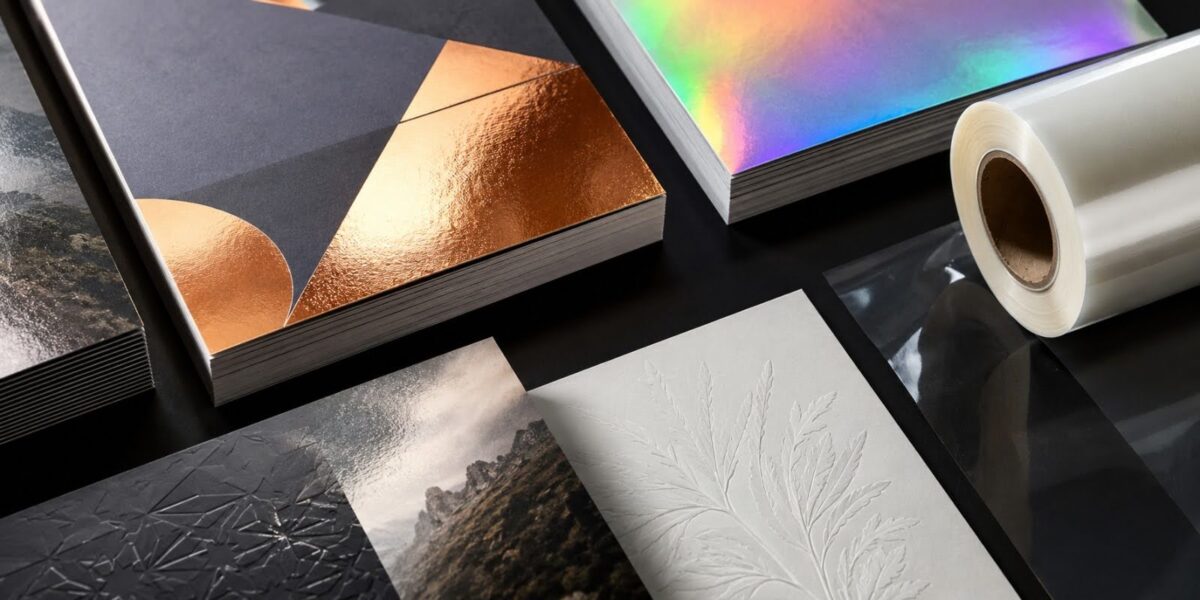
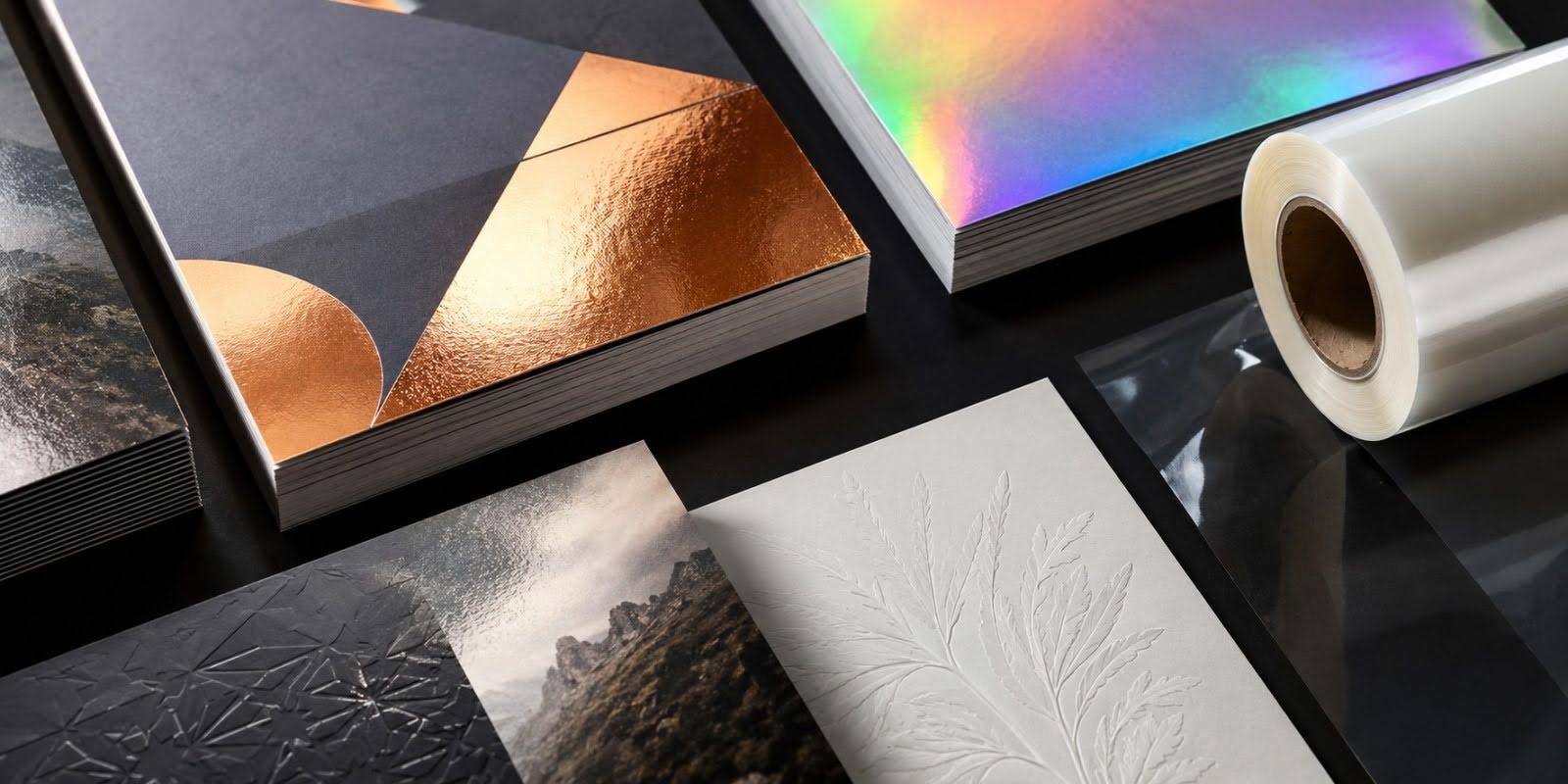
Prepare Specialty Finishing Elements
Print finishing such as:
- Foil
- Spot UV
- Embossing
- White ink
may require identified artwork elements separately.
The printing company should provide instructions for preparing these layers.
Check Transparency
Transparency effects can behave differently depending on the design software, PDF standard and printing workflow.
Where complex effects are used, reviewing the exported production PDF carefully can help identify unexpected changes.
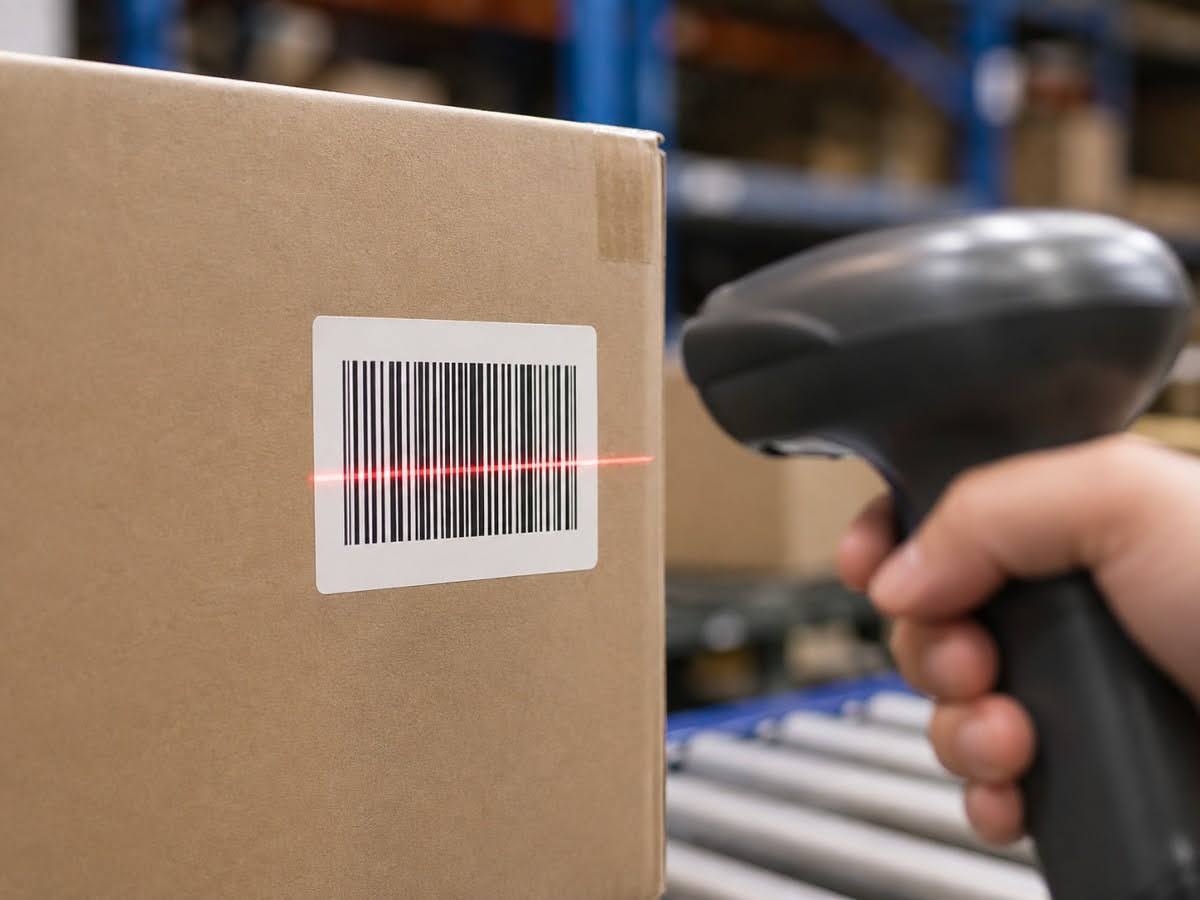
Test Barcodes and QR Codes
If the design contains a barcode or QR code, test it before production.
Check it:
- At final size
- After export
- With sufficient contrast
- In the final PDF
Where possible, test a physical proof as well.
Review the Final PDF, Not Just the Source File
A designer may spend hours reviewing an AI or InDesign document and then immediately send the exported PDF.
That creates unnecessary risk.
Open and inspect the actual final file being sent to the printer.
Check:
- Pages
- Text
- Images
- Colours
- Bleed
- Dimensions
- Dielines
- QR codes
- Barcodes
The exported file—not the source file—is what enters the printing workflow.
Frequently Asked Questions About Printing File Formats
What is the best file format for professional printing?
PDF is commonly preferred for final print-ready artwork because it can preserve dimensions, fonts, images, vector graphics and colour information. However, businesses should follow the specific printing company’s requirements.
Is PDF better than JPEG for printing?
For complete layouts containing text, logos and multiple design elements, PDF is generally more suitable because it can preserve vector content and page information. High-resolution JPEG files can still be suitable for photographic images.
What is an AI file?
An AI file is an Adobe Illustrator document commonly used for editable vector artwork such as logos, labels, illustrations, packaging and dielines.
What is an EPS file used for?
EPS is commonly used for scalable vector graphics such as logos and illustrations. It remains useful in some production workflows, although PDF and native design formats are also widely used.
Can SVG files be used for printing?
SVG files contain scalable vector graphics and can be useful for logos and illustrations. However, SVG may not be the preferred final production format for every commercial printer, so compatibility should be confirmed.
What is the difference between vector and raster files?
Vector graphics use mathematically defined paths and can generally be scaled without becoming pixelated. Raster images use pixels and depend on sufficient resolution at their final printed size.
Is PNG suitable for professional printing?
PNG can be useful for certain graphics, particularly those requiring transparency, but it is primarily associated with digital use. For logos and line artwork, a vector source is generally preferable where available.
Can JPEG files be professionally printed?
Yes, provided they have sufficient resolution and quality for the intended size. However, JPEG compression can reduce image quality, particularly after repeated saving.
Is TIFF better than JPEG?
TIFF can preserve more image information and is often used in high-quality image workflows. JPEG creates smaller files through compression. The better choice depends on the production requirements.
Why does a printer ask for vector files?
Vector files allow logos, text-based graphics and illustrations to be resized without the same pixelation associated with raster images. They can also provide greater flexibility during production preparation.
Why does my PDF still look blurry?
Exporting to PDF cannot restore detail that was missing from the original images. If the source contains low-resolution raster graphics, those images can remain blurry in the PDF.
Should I send editable files to a printing company?
Only when necessary or requested. Many jobs can be produced from an approved print-ready PDF, while editable source files may be useful for projects requiring additional production preparation.
Which files should businesses keep after printing?
Businesses should retain the approved production PDF, editable source files, original high-resolution images, vector logos, relevant dielines and documented printing specifications for future reprints.
Keep Your Artwork Production-Ready From File to Finish
Choosing the correct format helps preserve the work already invested in your design. The goal is not simply to create a file that opens—it is to deliver artwork that can move through pre-press and production without avoidable quality or compatibility problems.
For businesses preparing printing file formats, print-ready PDFs, vector artwork or other files for commercial printing, Printsys Pte Ltd can provide guidance on artwork and file requirements based on the intended printing and finishing process. Get in touch with Printsys today!