


How to Design Stickers That Represent Your Brand

A sticker may occupy only a small area of a product or package, but it can communicate a surprising amount about a business. Logo, colour, typography, shape and finishing can influence whether a sticker feels professional, premium, playful, technical or inconsistent with the rest of the brand.
Effective sticker design therefore requires more than fitting a logo into a predetermined shape.
Businesses need to consider how the sticker will appear at its actual printed size, where it will be applied, what information customers need to notice first and whether the artwork can be reproduced accurately through custom sticker printing.
This is particularly important for packaging stickers and product labels. Unlike a digital graphic that can be enlarged on a screen, a printed sticker has fixed dimensions. Small text, weak contrast and excessive detail can quickly become difficult to read.
The strongest sticker designs combine brand consistency with practical print requirements. This guide explains the essential principles businesses should consider when designing stickers that accurately represent their brand and remain effective once printed.
Importance of Sticker Design
Sticker design influences both visual recognition and communication.
A branded sticker may appear on a box, bottle, bag or promotional item. In each case, customers should be able to associate it with the business without the sticker looking disconnected from the company’s wider visual identity.
Consistency is therefore important.
Brand elements commonly carried into sticker design include:
- Logo
- Brand colours
- Typography
- Graphic style
- Tone of communication
- Supporting icons or patterns
When these elements are used consistently, stickers become another brand touchpoint rather than an isolated piece of artwork.
Stickers Can Extend Brand Recognition
A logo sticker placed on a delivery box can make otherwise generic packaging identifiable. Product stickers can create consistency across a range of containers, while promotional stickers can carry the brand beyond the original purchase.
For smaller businesses, this flexibility can be particularly useful.
Rather than producing completely custom packaging for every product, businesses can use custom labels or packaging stickers to apply their branding to standard boxes, bottles, jars or bags.
Design Also Has a Functional Role
Not every sticker exists primarily for branding.
A product label may need to communicate:
- Product name
- Variant
- Instructions
- Ingredients
- Barcode
- QR code
- Contact information
- Warnings
Good label design creates a hierarchy so customers can quickly identify the most important information.
Trying to make every element equally prominent usually creates visual clutter.
For that reason, effective sticker design balances brand expression with practical communication.
Design Principles
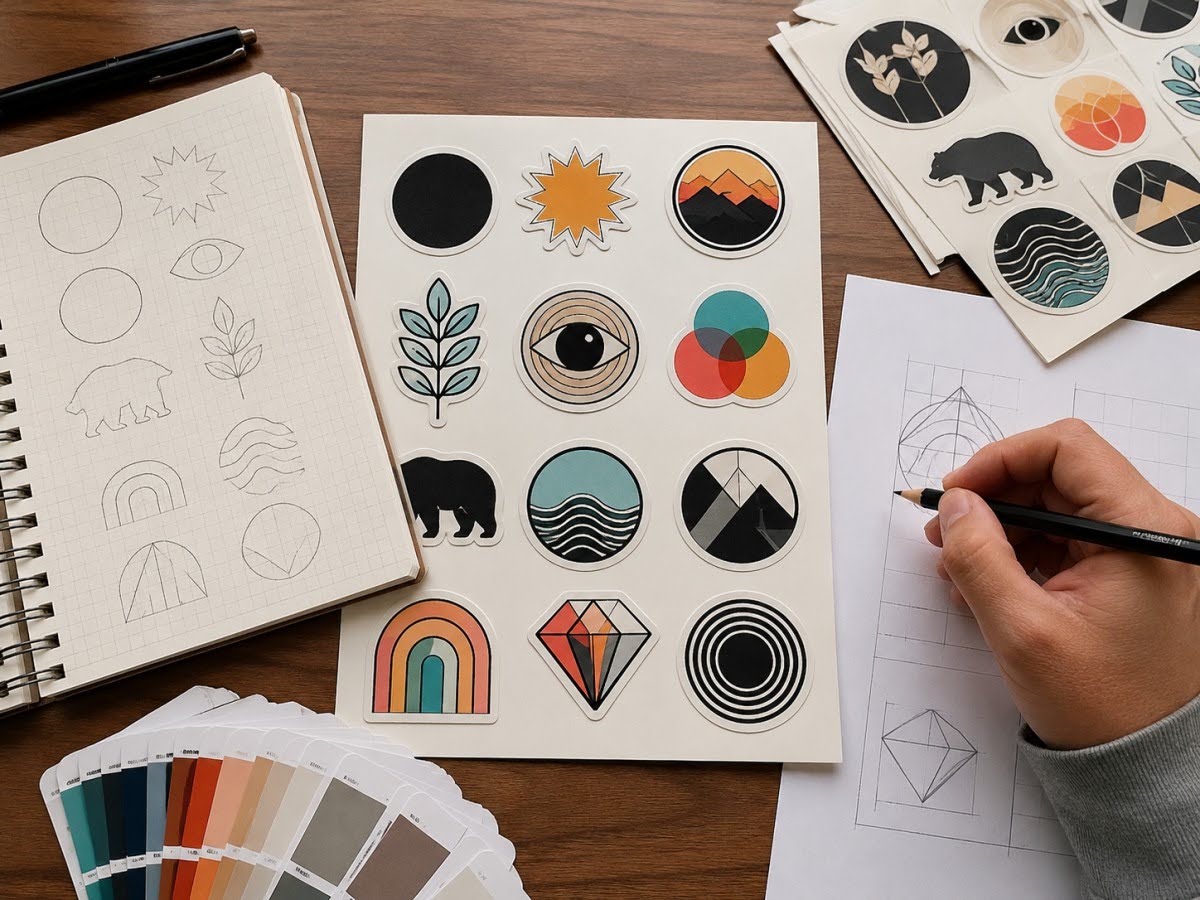
Several basic design principles can make stickers easier to recognise, read and reproduce.
Establish a Clear Visual Hierarchy
Visual hierarchy determines what people notice first, second and third.
For a branded product sticker, the hierarchy might be:
- Brand or logo
- Product name
- Product variant
- Supporting information
A promotional logo sticker may need only one dominant element.
The important point is intentional prioritisation.
If the logo, headline, contact details, slogan and decorative graphics all compete for attention, none of them becomes memorable.
Keep the Design Focused
Small stickers have limited visual space.
Adding more elements does not necessarily communicate more effectively. In many cases, removing unnecessary information makes the remaining message stronger.
Simple sticker designs can also reproduce more reliably at small dimensions.
Before adding an element, ask whether it serves a clear purpose.
Use Negative Space
Negative space is the unused area surrounding design elements.
It helps prevent:
- Crowded layouts
- Difficult-to-read text
- Logos appearing compressed
- Weak visual hierarchy
A sticker does not need to fill every available millimetre with artwork.
Allowing sufficient space around the logo or product name can actually make those elements more prominent.
Design at the Actual Size
This is one of the most important principles in sticker design.
A design that looks clear when displayed at 300% magnification may become unreadable at its actual printed size.
Businesses should review artwork at approximately 100% of the intended physical dimensions.
Pay particular attention to:
- Fine lines
- Small text
- QR codes
- Barcodes
- Detailed logos
- Thin borders
Consider the Sticker Shape
Shape can become part of the visual identity.
Standard shapes such as circles, squares, and rectangles are versatile, but die-cut stickers allow the cut line to follow a logo, illustration, or custom outline.
A distinctive silhouette can improve recognition even before someone reads the sticker.
However, highly complicated cut paths may not always be practical. The shape should support the design rather than introduce unnecessary production complexity.
Colours
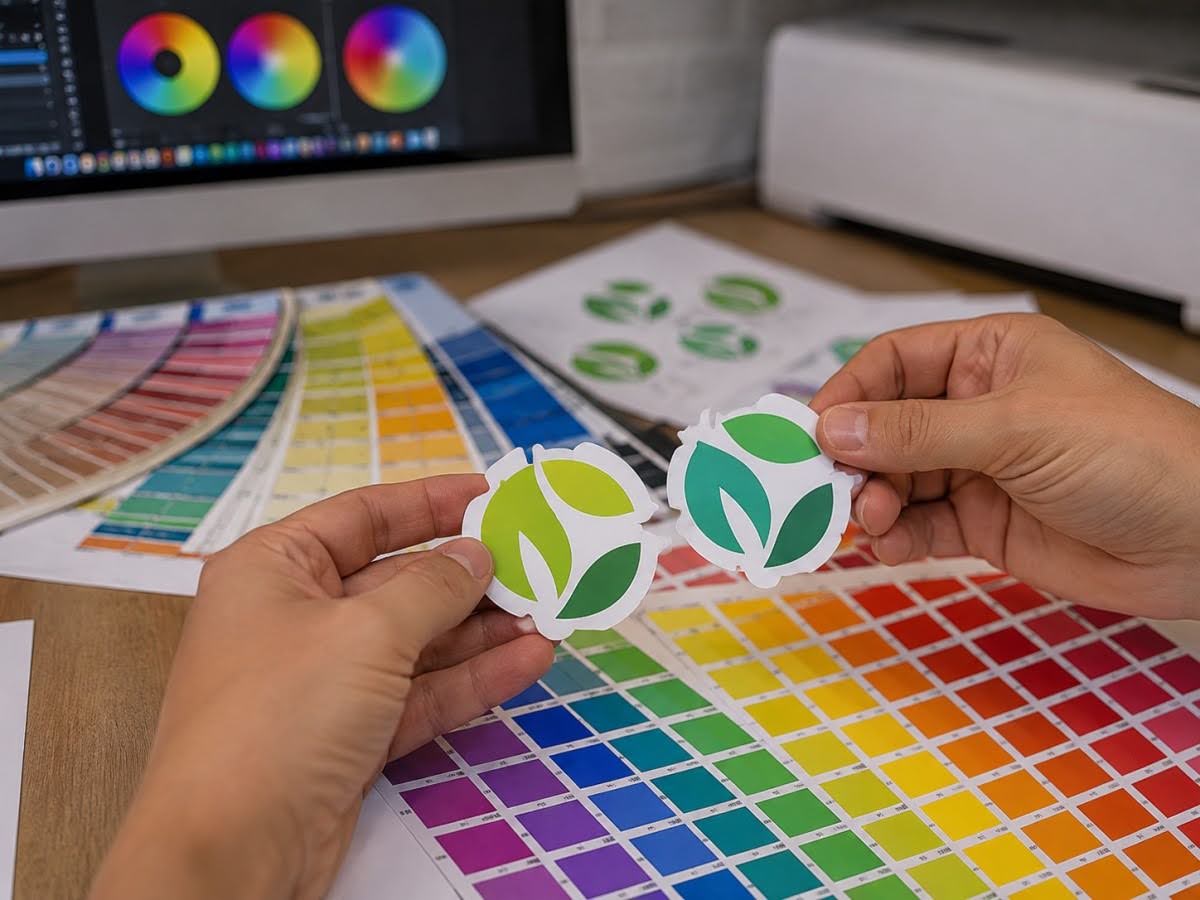
Colour is one of the strongest elements of brand recognition, but designing sticker colours requires understanding the difference between digital displays and physical printing.
Stay Consistent with Brand Colours
If a company has established brand guidelines, sticker artwork should use the approved colour values whenever possible.
Repeated colour consistency across:
- Website
- Packaging
- Business cards
- Brochures
- Signage
- Stickers
Helps reinforce visual recognition.
Using slightly different versions of a brand colour across different materials can make branding appear inconsistent.
Understand RGB and CMYK
Digital screens commonly display colour using RGB—red, green and blue.
Commercial printing commonly relies on CMYK—cyan, magenta, yellow and black—although specific production methods may differ.
RGB can display certain bright colours that standard CMYK printing cannot reproduce exactly.
For that reason, artwork should be prepared according to the printer’s colour requirements rather than assuming that colours displayed on a monitor will look identical after printing.
Consider the Sticker Material
Sticker colours can also appear different depending on the material.
For example:
- White material provides an opaque background.
- Transparent material allows the product surface to influence the design.
- Metallic material can interact with printed colours.
- Matte and gloss finishes can change perceived saturation and reflection.
Transparent stickers require particular attention.
Colours printed directly onto clear material may appear less opaque than expected, especially when applied to dark or coloured packaging. White ink may be needed beneath selected elements to maintain visibility.
Use Contrast Strategically
Good contrast improves readability.
Dark text on a light background and light text on a dark background are common approaches, but contrast should also be evaluated after considering the actual product surface.
This is especially important for:
- Instructions
- Product names
- Barcodes
- QR codes
- Contact information
A visually subtle design may fit the brand aesthetic but fail if customers cannot comfortably read it.
Typography
Typography can communicate personality while also determining whether information remains legible.
Choose Fonts That Match the Brand
A technology company may prefer clean geometric typography, while a handcrafted food brand may use a warmer or more traditional style.
The font should feel consistent with the rest of the brand identity.
However, brand personality should not come at the expense of readability.
Highly decorative fonts can become difficult to recognise when printed at small sizes.
Limit the Number of Fonts
Using too many typefaces can make a sticker feel visually inconsistent.
Most sticker designs can work effectively with one or two complementary typefaces.
Variations in:
- Weight
- Size
- Capitalisation
- Spacing
can create hierarchy without introducing multiple unrelated fonts.
Check Minimum Text Size
There is no universal minimum font size suitable for every printing process because readability depends on the typeface, material, printing method and viewing conditions.
Instead of relying on one number, businesses should test the artwork at actual size.
If text is difficult to read on screen at physical size, reducing it further to make more information fit is rarely the best solution.
Protect Critical Information
Important information should not sit too close to the cut edge.
Text, logos and essential graphics should remain inside the safe area specified by the printing company.
This prevents normal cutting tolerances from affecting important content.
File Preparation
A strong sticker design can still produce disappointing results if the artwork is not prepared correctly.
Artwork preparation bridges the gap between creative design and physical production.
Use Appropriate File Formats
Professional printers commonly work with print-ready PDF and vector-based formats such as AI or EPS, depending on their workflow.
Vector artwork is particularly useful for:
- Logos
- Icons
- Text
- Line graphics
- Die-cut paths
Unlike raster images, vector graphics can generally be resized without losing sharpness.
Understand Vector vs Raster Artwork
Raster images are made from pixels.
Photographs are normally raster images and require sufficient resolution at their final printed size.
Vector artwork uses mathematically defined paths, making it particularly suitable for logos and illustrations requiring clean edges.
A common mistake is taking a small logo from a website and enlarging it for printing. The resulting artwork may look blurred or pixelated.
Whenever possible, businesses should retain original vector artwork for their brand assets.
Include Bleed
Bleed extends the artwork slightly beyond the final cut line.
If a background colour or image reaches the sticker edge, bleed helps prevent unwanted white gaps caused by normal cutting tolerances.
The exact bleed requirement should follow the printer’s artwork specifications.
Create the Correct Cut Path
Die-cut stickers require a clearly defined cutting path.
This indicates where the sticker should be cut relative to the printed artwork.
The cut path should be:
- Smooth
- Practical
- Properly positioned
- Separated from important design elements
Overly complex paths can make production more difficult without meaningfully improving the final sticker.
Prepare Print-Ready Files
Before submitting artwork, check:
- Final dimensions
- Colour mode
- Resolution
- Bleed
- Safe margins
- Fonts
- Cut paths
- Image links
- Barcode quality
This pre-flight check can prevent avoidable revisions later in the printing process.
Common Mistakes
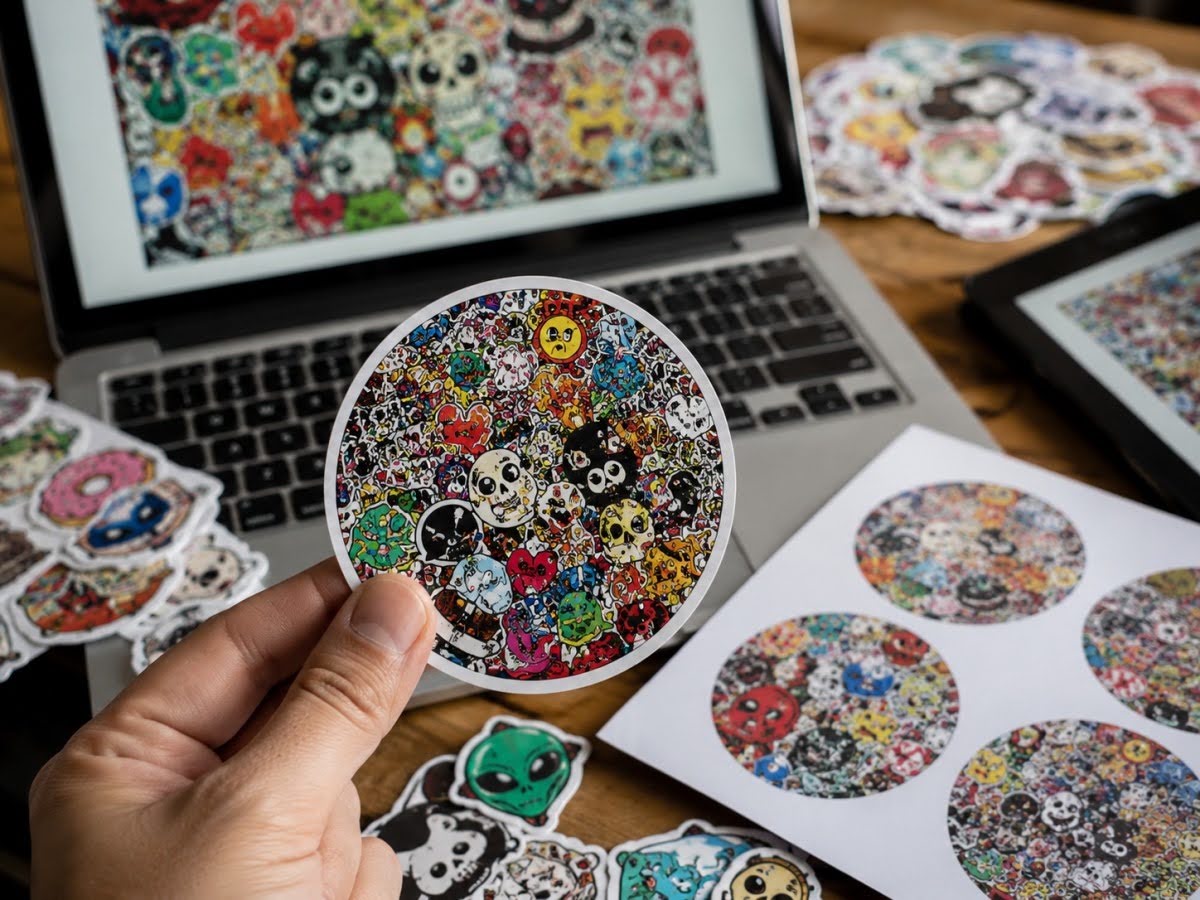
Sticker design mistakes are often small on screen but highly visible once hundreds or thousands of copies have been printed.
Making the Design Too Busy
A sticker does not need to contain every piece of information about the business.
Excessive text, multiple graphics and too many decorative elements can weaken the main message.
Prioritise what the customer actually needs to see.
Using Low-Resolution Logos
A logo downloaded from a website or screenshot may look acceptable on screen but reproduce poorly in print.
Use original vector artwork whenever possible.
Ignoring the Final Sticker Size
Designers sometimes work on artwork at a large zoom level and forget how small the physical sticker will be.
Always inspect a 1:1-size proof.
Using Insufficient Contrast
Brand colours that work beautifully on a website may not create enough contrast on a small printed label.
This is particularly problematic for transparent stickers placed over coloured surfaces.
Putting Text Too Close to the Edge
Critical content positioned directly against the cut line risks appearing uneven or being partially trimmed.
Use appropriate safe margins.
Forgetting About the Product Surface
A sticker design should not be finalised without considering where it will be applied.
Curved bottles, textured packaging, dark containers and transparent glass can all change the final appearance.
Overusing Special Effects
Foil, spot UV, gradients, multiple fonts and unusual shapes can all be effective individually.
Using all of them simultaneously does not automatically make a sticker more premium.
Good branding often depends on restraint.
Forgetting to Proof the Content
Spelling errors, incorrect contact details and outdated product information become expensive after mass production.
Artwork approval should include both visual and factual checking.
Printing Considerations
Sticker design and printing should be considered together from the beginning.
A design that cannot be reproduced effectively on the selected material or at the required size will need compromises later.
Match the Material to the Design
Different sticker materials create different visual and functional results.
Paper can suit:
- Dry packaging
- Natural aesthetics
- Indoor labels
Vinyl can suit:
- Durable logo stickers
- Moisture-resistant labels
- Curved surfaces
- Selected outdoor applications
Transparent films can suit:
- Glass
- Clear bottles
- Minimal packaging
The material should support both the artwork and the environment.
Consider Matte vs Gloss
The same design can look substantially different depending on its finish.
Gloss can:
- Increase reflection
- Strengthen colour vibrancy
- Create a polished appearance
Matte can:
- Reduce glare
- Create a softer visual effect
- Support understated branding
Finishing should be evaluated as part of the overall sticker design rather than added at the end without considering its effect.
Consider Lamination for Protection
Lamination can help protect printed artwork from moisture, scratching and repeated handling.
This may be useful for:
- Product stickers
- Packaging labels
- Promotional decals
- Frequently handled products
However, lamination cannot compensate for an unsuitable base material or adhesive.
Design Die Cut Stickers for Practical Production
Custom shapes can strengthen branding, but the cut should remain practical.
Very narrow points, intricate internal shapes or excessively complex outlines can make stickers harder to produce and apply.
A simpler silhouette is often more recognisable anyway.
Think About Application
A beautiful sticker that is difficult to apply consistently can create problems during packaging.
Consider:
- Sticker size
- Shape
- Orientation
- Container curvature
- Label placement
- Manual or machine application
Businesses ordering large quantities should consider how the labels will actually be applied during production.
Test Barcodes and QR Codes
If a sticker contains machine-readable information, testing should happen after printing and finishing.
QR codes and barcodes can be affected by:
- Insufficient size
- Weak contrast
- Glossy reflection
- Curved surfaces
- Poor print resolution
The final sticker should be tested on the actual packaging whenever possible.
Request a Proof Where Appropriate
A proof can help businesses assess:
- Scale
- Text readability
- Colour
- Layout
- Cutting
- Overall presentation
For critical packaging, physical sampling can be particularly valuable because screens cannot fully reproduce material texture, transparency or finishing.
Frequently Asked Questions (FAQs)
What makes a good sticker design?
A good sticker design communicates its primary message quickly, uses clear visual hierarchy, remains readable at its actual size and reflects the brand consistently. It should also be designed around the material, surface and printing method.
Should a business sticker always include a logo?
Not necessarily, although logo stickers are useful for brand recognition. Some product labels may prioritise the product name or important information while incorporating the brand more subtly.
What is the best file format for sticker printing?
Print-ready PDF and vector formats such as AI or EPS are commonly used, depending on the printer’s requirements. Businesses should confirm the preferred file specification before submitting artwork.
Why is vector artwork better for logos?
Vector artwork can be scaled without becoming pixelated, helping logos, icons and line graphics remain sharp at different printed sizes.
Should sticker artwork use RGB or CMYK?
Artwork should follow the printing company’s colour requirements. CMYK is commonly used for commercial print preparation, while RGB is primarily associated with digital displays. Converting between them can change how certain colours appear.
How much information should go on a product sticker?
Include information necessary for branding, identification, customer understanding and any applicable product requirements. Avoid filling empty space simply because it is available. Clear hierarchy is more useful than maximum information density.
Are die cut stickers better for branding?
They can be. A custom shape can make a logo or graphic more recognisable and distinctive, but standard shapes may be more practical for some packaging applications. The shape should support the brand rather than add complexity for its own sake.
How do I design stickers for transparent packaging?
Consider how the surface behind the sticker will affect colours and readability. White ink may be useful behind selected elements where stronger opacity is required. The design should also be tested on the actual container.
What sticker finish is best for branding?
There is no single best finish. Gloss can strengthen vibrant colours, matte can create a more understated appearance, and specialty finishes can emphasise selected brand elements. The finish should complement the brand and product environment.
How can I make packaging stickers look more professional?
Use consistent brand colours, readable typography, sufficient negative space, high-quality artwork and a material and finish suited to the packaging. Professional appearance usually comes from consistency and restraint rather than adding more design effects.
How small can text be on a sticker?
There is no universal minimum that works for every font and printing process. Review the artwork at actual size and confirm production limitations with the printer. Essential information should remain comfortably readable under normal viewing conditions.
Can the same sticker design be used across different packaging sizes?
Sometimes, but simply scaling one design may make typography or proportions unsuitable. A better approach is often to create a consistent design system with adapted layouts for different packaging dimensions.
Creating Sticker Designs That Work in Print
Effective sticker design combines branding with the realities of physical printing.
A sticker should immediately communicate what matters most while remaining consistent with the company’s broader identity. Colour, typography, spacing, shape and imagery all contribute to that goal, but each element needs to work at the sticker’s actual printed size.
Artwork preparation is equally important. Vector logos, appropriate resolution, bleed, safe margins, colour preparation and correct cut paths help ensure that the finished sticker reflects the intended design rather than exposing preventable technical problems.
Businesses should also design around the final application. A packaging sticker on a cardboard box has different requirements from a transparent label on a glass bottle or a durable vinyl sticker exposed to moisture.
The strongest designs therefore begin with three questions:
- What does the sticker need to communicate?
- Where will it be applied?
- What should customers recognise first?
Once those questions are answered, creative decisions become much more purposeful.
For businesses in Singapore using stickers as part of product packaging, retail presentation or promotional branding, thoughtful design can turn a small printed item into a consistent and recognisable extension of the brand.
Turn Your Brand Identity Into a Sticker That Works in Print
A strong concept is only successful when it translates properly from the design file to the finished sticker. Material, size, colour preparation, cutting and finishing should all support the original branding rather than compromise it.
For businesses planning sticker design, logo stickers, packaging stickers or other custom printed labels, Printsys Pte Ltd can help turn print-ready artwork into sticker solutions suited to different branding and business applications. Get in touch with Printsys today!